THE PROJECT STORY
Python Tool for Area Based Vertex Painting in 3ds Max
Introduction
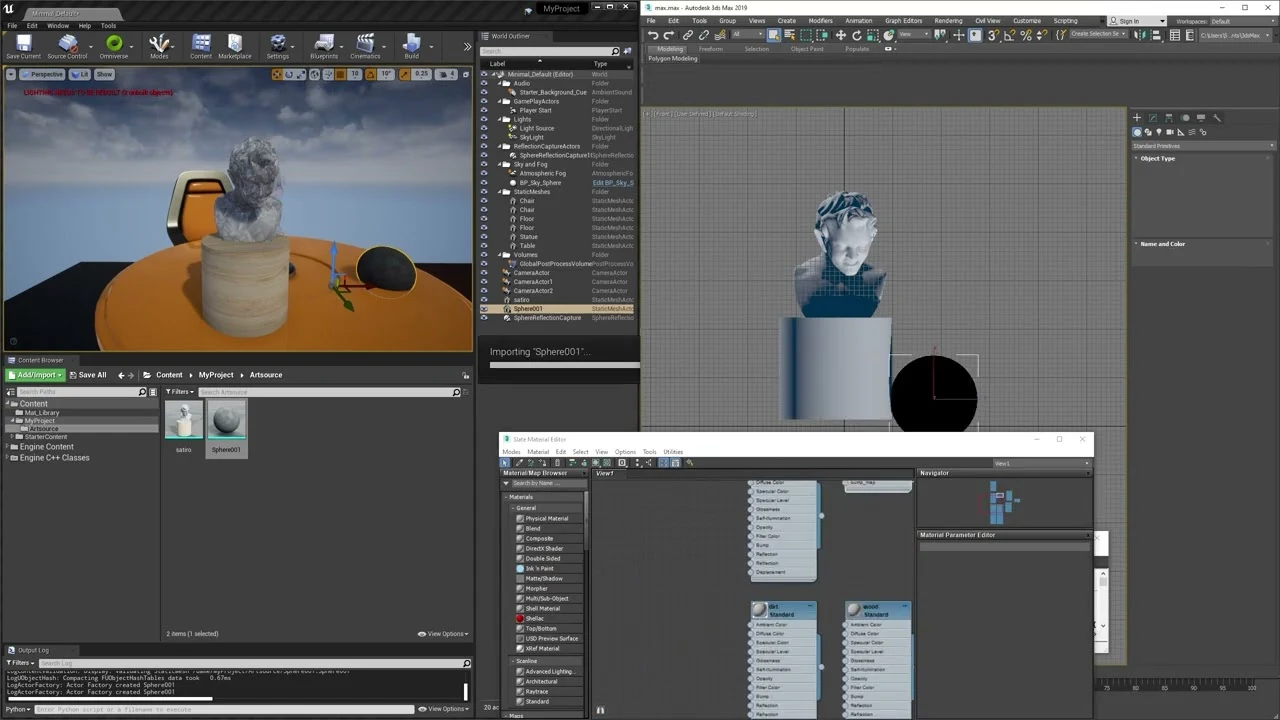
Efficient texturing and rendering are key for creating high quality 3D environments, especially when working in Unreal Engine. I developed a Python based tool for 3ds Max that streamlines the process of texturing 3D models, particularly houses, by painting vertex colors based on area images.
This approach ensures faster rendering times and seamless data transfer into Unreal Engine, making it an ideal solution for both architectural visualizations and game development.
How It Works
The tool uses an area image as input to paint vertex colors directly onto a 3D model within 3ds Max.
Area Image Input
- You provide an area based image (e.g., a map, texture, or any visual reference).
- The tool analyzes this image and assigns vertex colors to the 3D model’s geometry based on the image’s data.
Fast Vertex Color Painting
- Instead of relying on traditional UV mapping or complex texture setups, the tool paints vertex colors onto the model.
- Vertex painting is extremely lightweight and efficient, particularly for Unreal Engine rendering.
Vertex Color Export
- The vertex color data is transferred directly into Unreal Engine as part of the model’s vertex data.
- This vertex information can then be used in Unreal for materials, effects, or optimizations.
Why Use Vertex Colors for Unreal Engine?
Vertex colors are a highly optimized method for adding color and detail to 3D models:
Lightning Fast Rendering
- Vertex colors render extremely quickly in Unreal Engine compared to traditional textures.
- This makes them ideal for large scale projects, such as real time visualizations, mobile games, and VR applications.
Simplified Pipeline
- By leveraging vertex data, the need for complex UV unwrapping or high resolution textures is reduced.
- This speeds up the workflow and reduces both model and material overhead.
Seamless Integration with Unreal
- The tool ensures that all vertex color data is compatible with Unreal Engine’s rendering pipeline.
- You can quickly apply Unreal materials that use vertex colors for blending, masking, or adding detail.
Benefits of the Tool
- Fast and Automated Workflow: No more manual vertex painting. The Python tool automates the process using the area image as a guide.
- Efficient for Large Environments: Ideal for painting large 3D models, like houses or entire neighborhoods, without performance hits.
- Real Time Ready: Perfect for Unreal Engine projects that require quick rendering and optimized scenes.
- Accessible for Artists: Artists don’t need to spend time learning complex texture setups, just load an area image and let the tool handle the painting.
Use Cases
Architectural Visualization
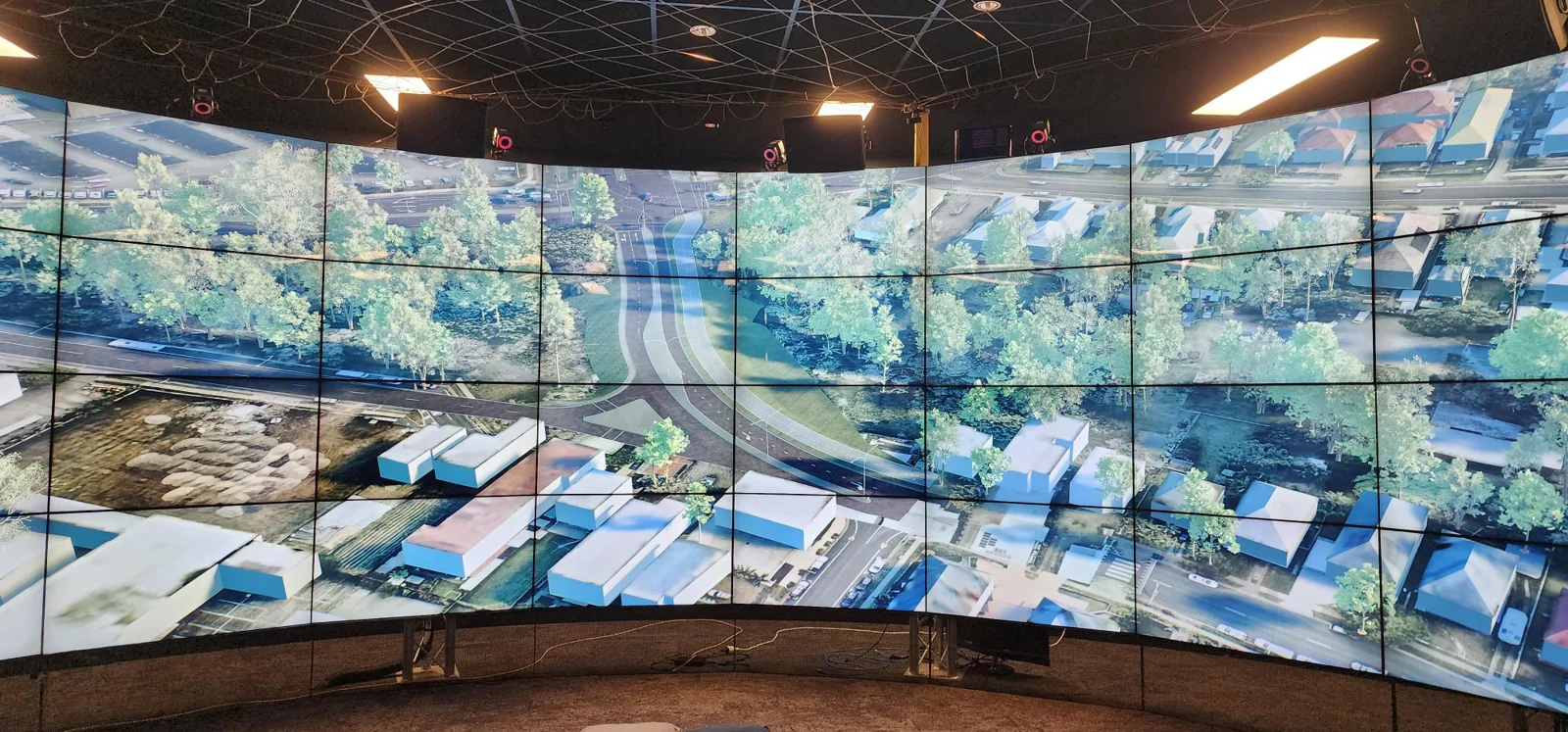
- Quickly paint houses and urban environments using area based maps for real time walkthroughs in Unreal Engine.
Game Development
- Optimize house models for faster rendering in open world or mobile games.
- Use vertex colors for material blending or stylized effects.
Virtual Production
- Speed up the creation of backgrounds or sets by efficiently applying vertex colors to models.
Final Thoughts
This Python based tool bridges the gap between 3ds Max and Unreal Engine by leveraging the power of vertex colors. It simplifies the texturing process, reduces rendering times, and empowers artists to produce high quality environments faster.
If you’re looking to optimize your pipeline and speed up your workflow, this tool offers a perfect solution.
Start painting your 3D models with vertex colors and experience the Unreal Engine performance boost today!